
#934 closed bug (invalid)
Lost User Data Allocation to User groups
| Reported by: | Ghuennem | Owned by: | |
|---|---|---|---|
| Priority: | blocker | Milestone: | |
| Component: | User Interface | Version: | 8.1.1 |
| Keywords: | User Groups | Cc: |
Description
The system lost user group allocation, so that a login is possible, but the users will not see any data. The page with folder selection and tabs will not open.
The system is running on a synology with latest Java and DMS installed.
Attachments (1)
Change History (5)
by , 8 years ago
comment:1 by , 8 years ago
Enter as user admin and go to a Administration > Security > Security > Menu.
Here you can assign the menus to groups
comment:2 by , 8 years ago
Hello,
I would like to do so, but the screenshot attached was done with the admin log in. The system is also deleting admin user rights. It is now the 3rd time this error occurs.
comment:3 by , 8 years ago
| Milestone: | 8.2.1 |
|---|---|
| Resolution: | → invalid |
| Status: | new → closed |
it seems your support contract expired in 2018. Please contact support@… about this case.
comment:4 by , 8 years ago
You may close it, but now your system is useless. As I bought mid last year 10 new licences I think, it is still in warranty, as this is obviuous a deficiency in your system.


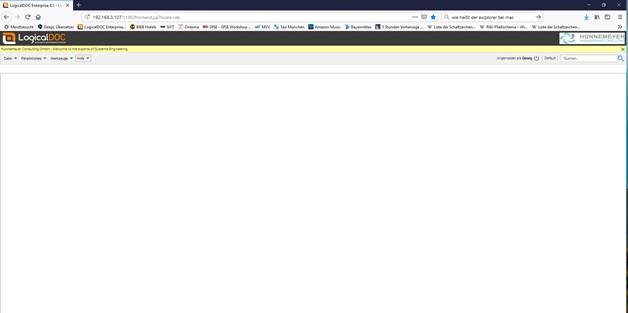
Displayed Page after Login